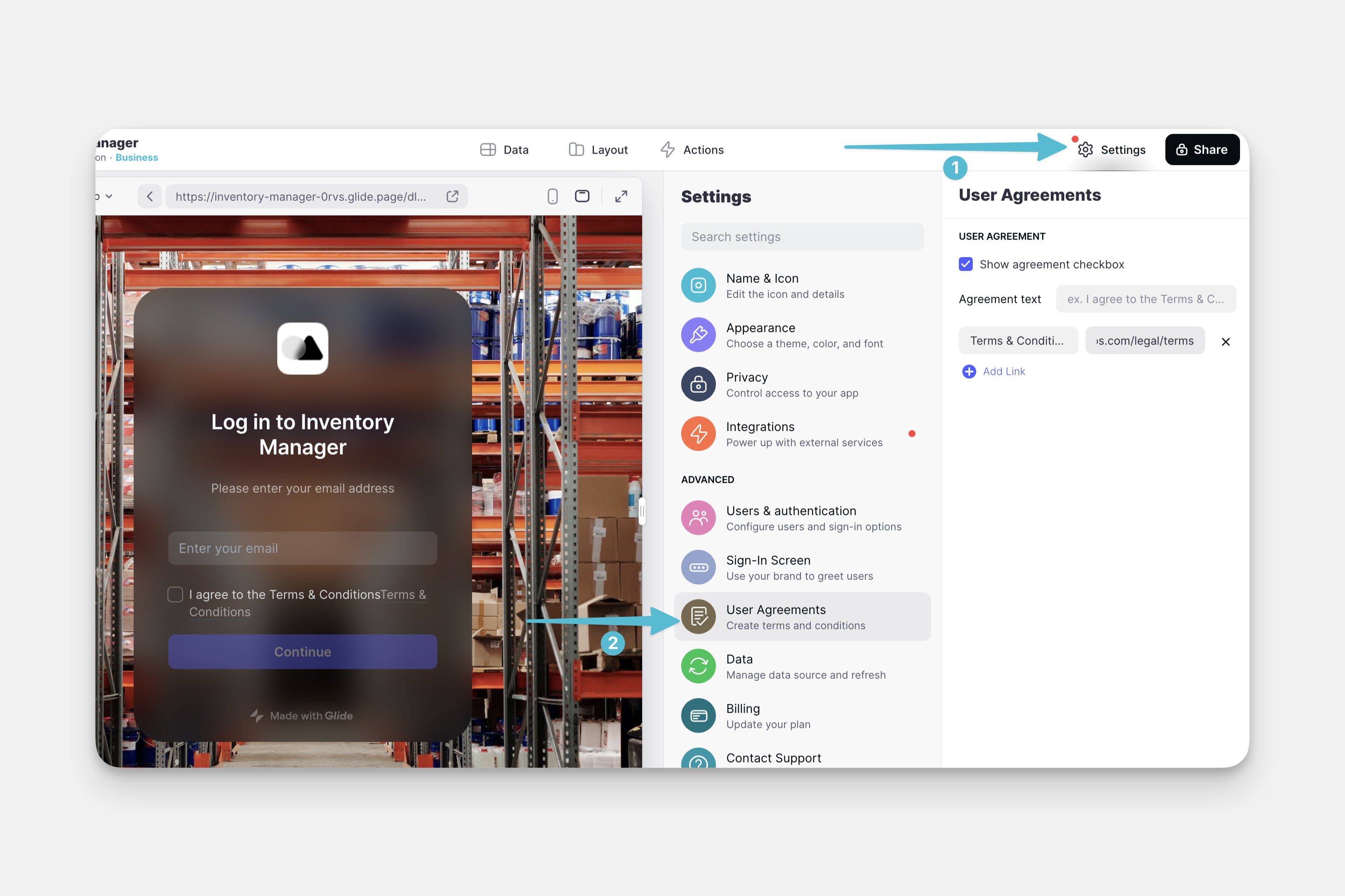
If your app uses any kind of sign-in method then you can customize the way your sign-in screen looks by uploading your own background, logo, greeting & description.
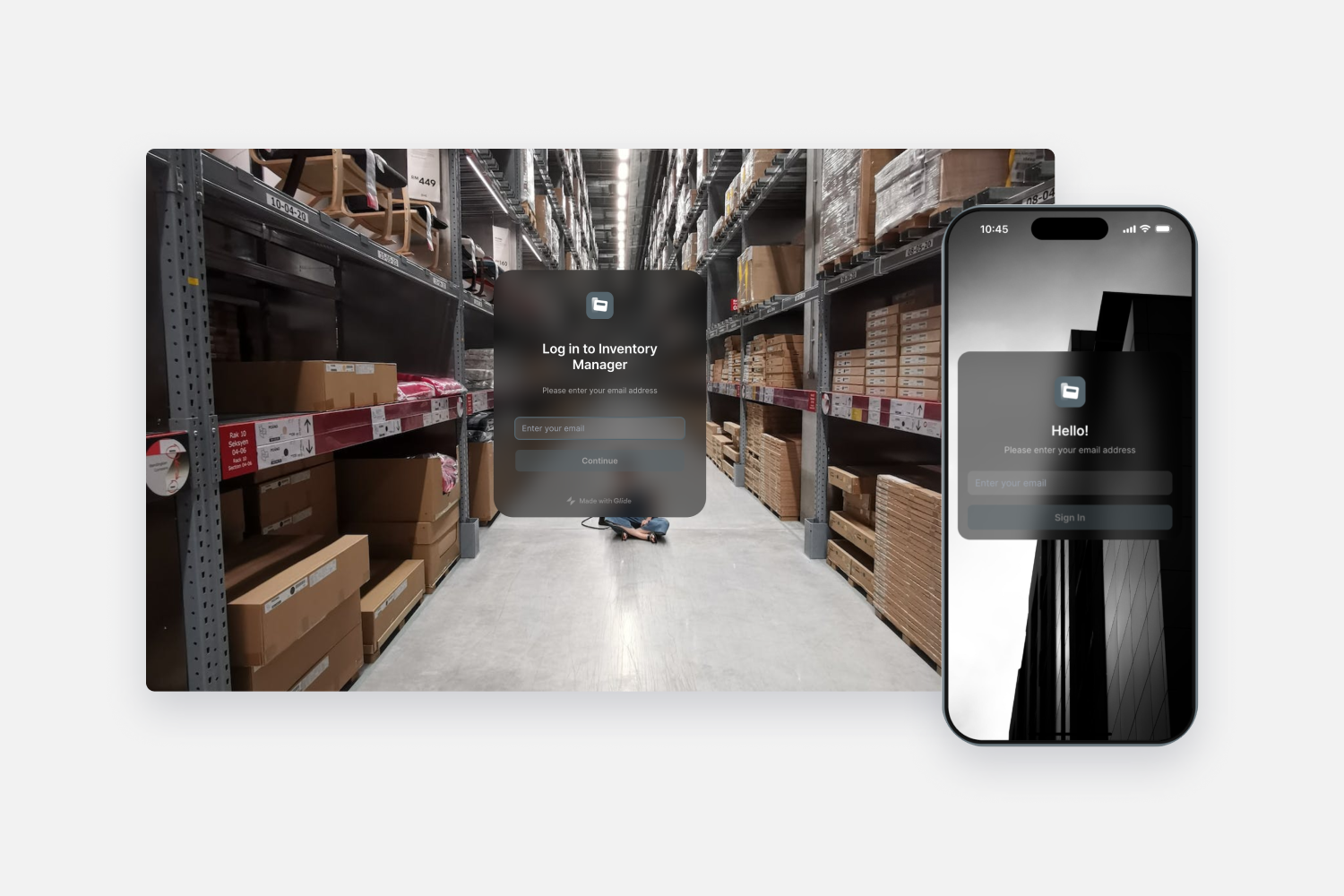
Default sign-in screen
Your sign-in screen will default to the settings you have configured in the appearance settings. To start customizing your sign-in screen visit Settings > Sign-in Screen. Here you can customize the background, add a logo, change the ‘Greeting’ text, and also the description.
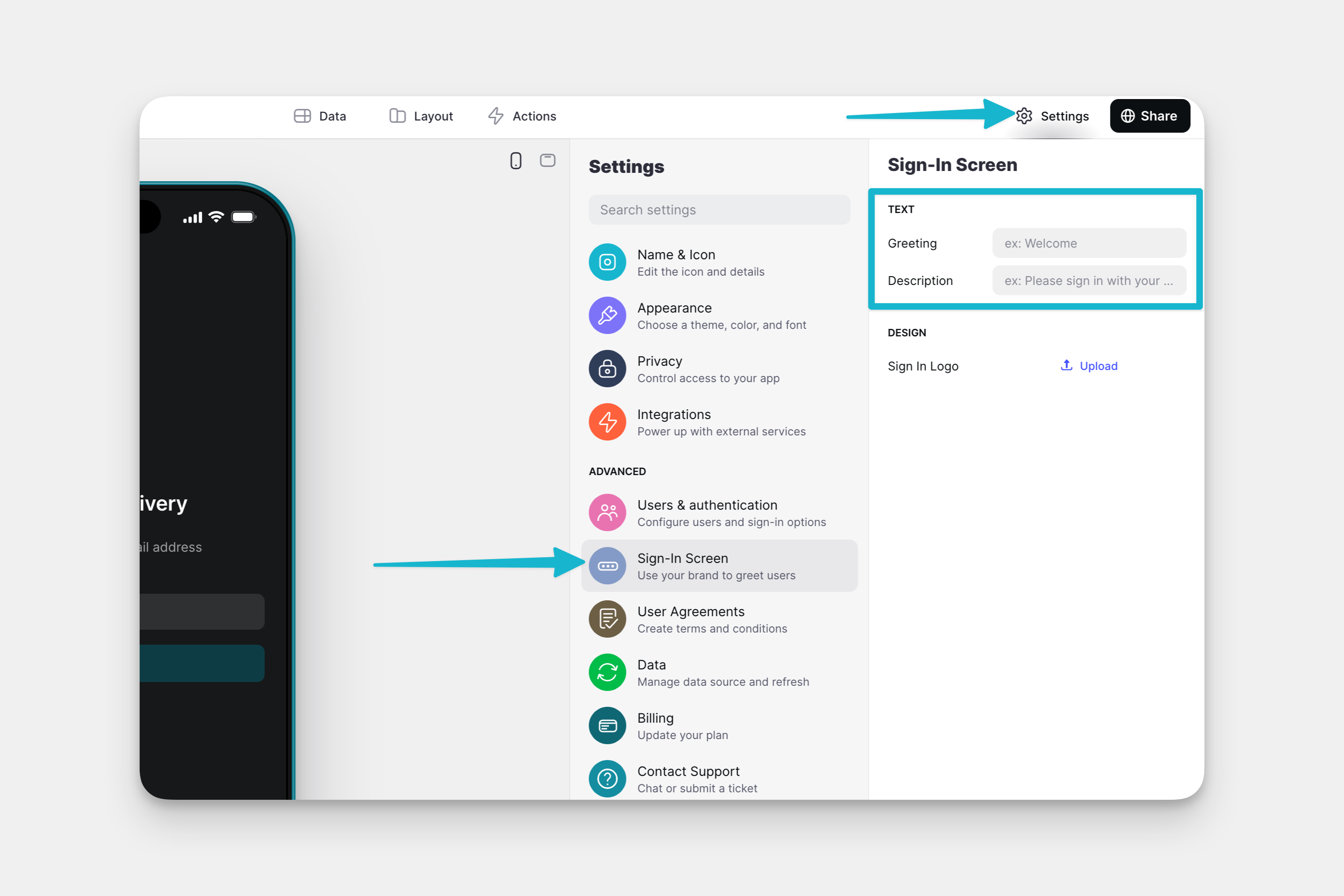
Text
You can change the greeting and the description in the Text section. You can play around with the Style option in the Appearance settings to achieve the right contrast between the background and the text.
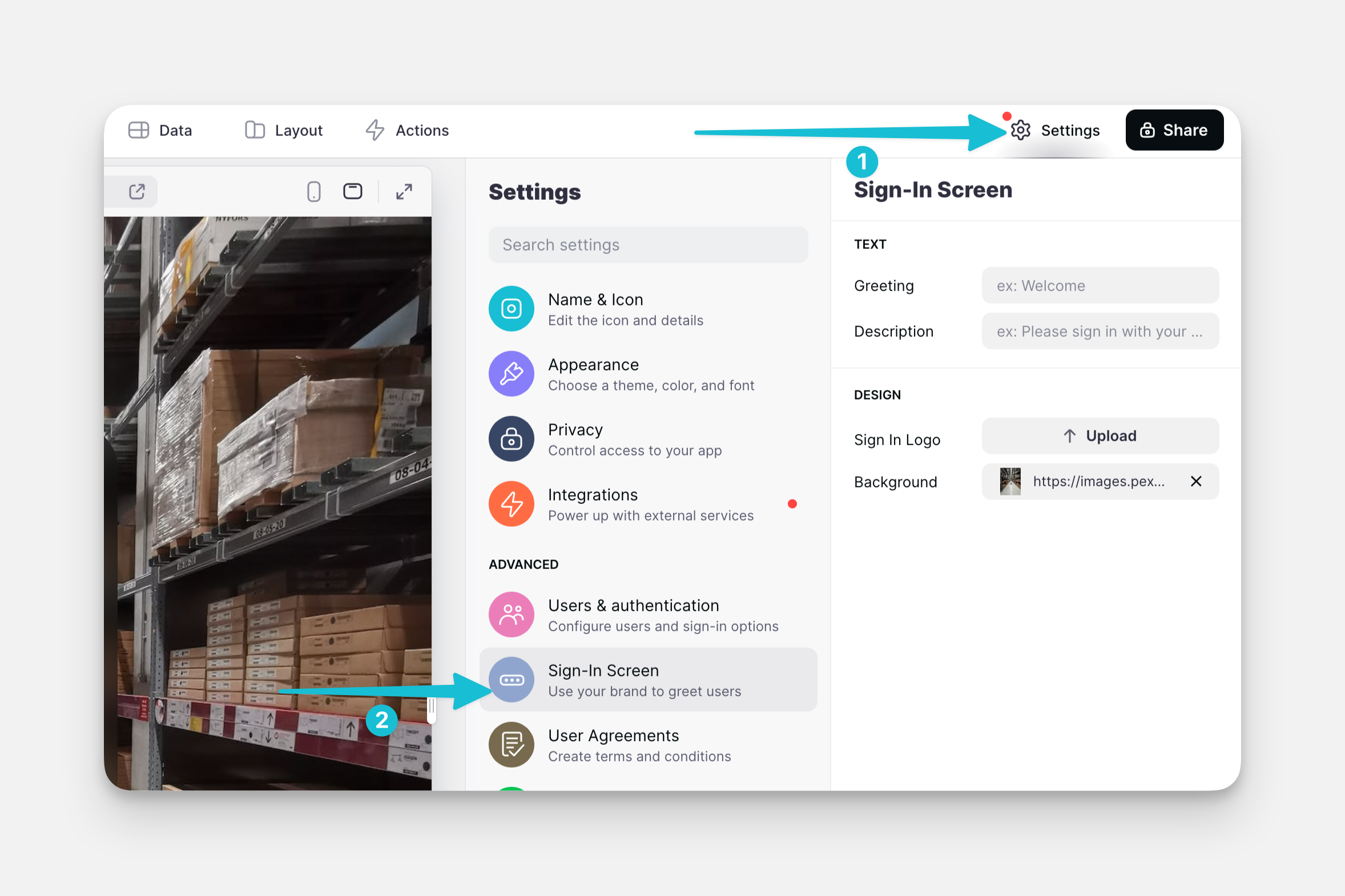
Branding
Don't see custom branding options?
You may need to update your account. Browse Glide's plans and find the right fit for you.
In the DESIGN section, you can upload a logo and a background. The background image will replace the background accent color of your app, and your logo will replace the title at the top of this screen.

User Agreement
We can add a User Agreement checkbox for users to tick before signing in to the app. Here we can also add links to any external pages where we might have terms, conditions, privacy policy, etc.